Flash the ESP32-C6 MCU of my DVID
Setup
You need to install the tool esptool.py:
pip install esptool
esptool.py -h
You need to download those files :
In some training, ESP-AT firmware is needed. To use it, you need to adjust the wiring inside the firmware. Thiss procedure will full flash the ESPc6. You don't need to download bootloader nor the memory map.
# Download the raw binary 4.0.0.0 is working well
https://docs.espressif.com/projects/esp-at/en/latest/esp32c6/AT_Binary_Lists/esp_at_binaries.html

# Download the tool to adjust wiring :
wget https://raw.githubusercontent.com/espressif/esp-at/b1a323e9580354d584591dcbddce372e87734a85/tools/at.py

unzip ESP32-C6-4MB-AT-V4.0.0.0.zip

mv ESP32-C6-4MB-AT-V4.0.0.0/ESP32-C6-4MB-V4.0.0.0/factory/factory_ESP32C6-4MB.bin .

python at.py modify_bin --tx_pin 1 --rx_pin 0 --cts_pin -1 --rts_pin -1 --input factory_ESP32C6-4MB.bin

esptool.py -p /dev/ttyUSB0 -b 921600 --chip esp32c6 write_flash --flash_mode dio --flash_size 4MB --flash_freq 80m 0x0 target.bin
Mapping
Regarding the firmware, following parts are available :
-
0x1000 : espc6_bootloader.bin
-
0x8000 : espc6_partition-table.bin
-
0x10000 : espc6_com-at.bin
Flash
To flash, press and hold the BTLD RADIO button, then briefly click the COLD RESTART button. Keep holding the BTLD RADIO button until the flashing process starts.
Once the process begins, you can release the button.
Wiring
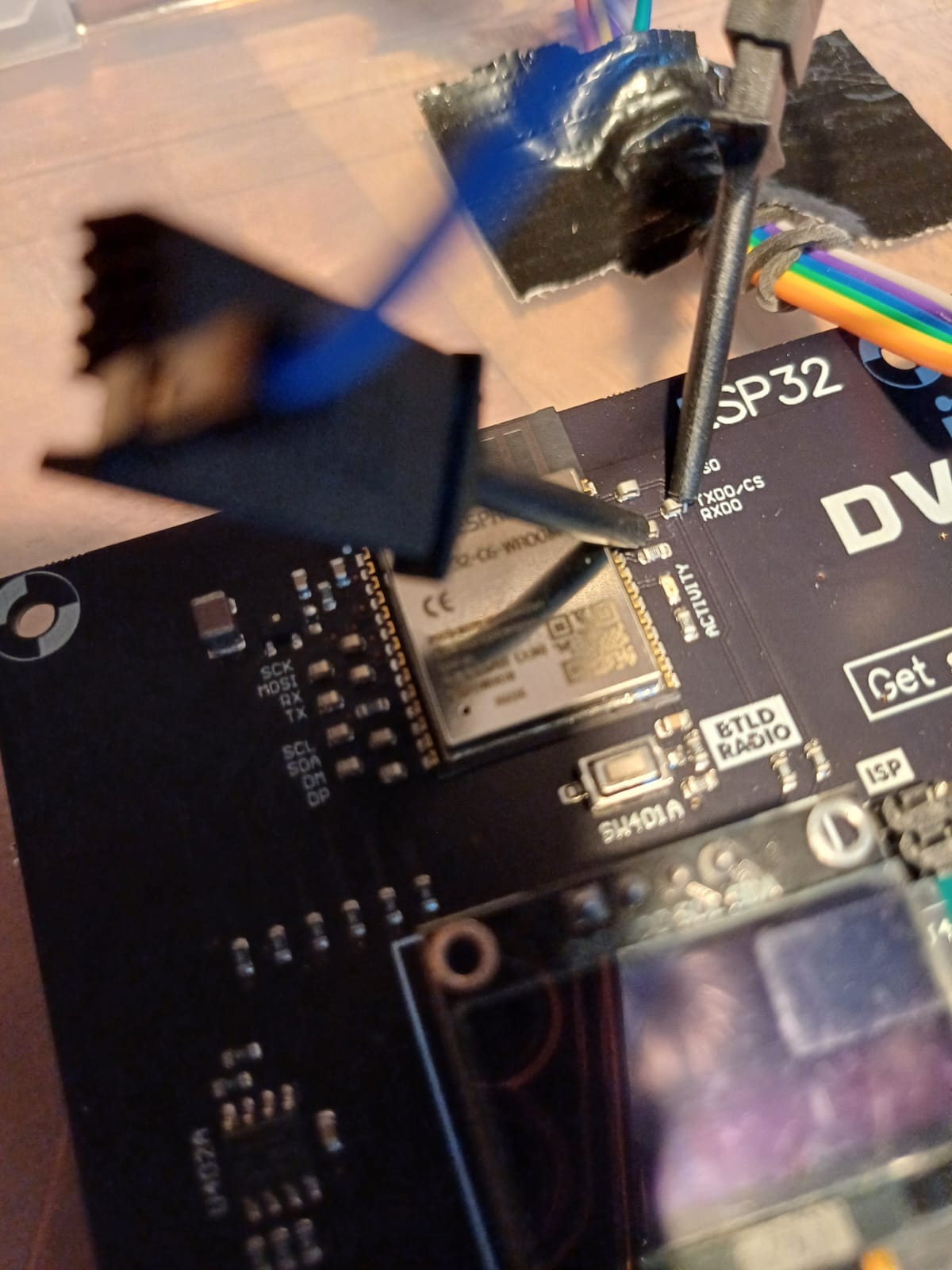
To flash the ESPC6, you need to wire your UART dongle according the following picture :
Run
esptool.py --port /dev/ttyUSB0 --baud 115200 --chip esp32c6 write_flash 0x1000 espc6_bootloader.bin 0x8000 espc6_partition-table.bin 0x10000 espc6_com-at.bin
Console trace
esptool.py v4.10.dev2
Serial port /dev/ttyUSB0
Connecting....
Chip is ESP32-C6 (QFN40) (revision v0.0)
Features: WiFi 6, BT 5, IEEE802.15.4
Crystal is 40MHz
MAC: 40:4c:ca:ff:fe:55:44:30
MAC BASIC: 40:4c:ca:55:44:30
MAC_EXT: ff:fe
Uploading stub...
Running stub...
Stub running...
Configuring flash size...
Flash will be erased from 0x00010000 to 0x00139fff...
Compressed 1220480 bytes to 677594...
Wrote 1220480 bytes (677594 compressed) at 0x00010000 in 59.9 seconds (effective 163.0 kbit/s)...
Hash of data verified.

Leaving...
Hard resetting via RTS pin..